Cryptocurrency has become a major part of the digital economy, and managing your crypto assets securely is crucial. Trust Wallet is one of the most popular and user-friendly cryptocurrency wallets, providing full control over your private keys, multi-asset support, and decentralized app integration. In this guide, we will walk you through creating your Trust Wallet account from scratch in a safe and straightforward manner.
Step 1: Download and Install Trust Wallet

1. Go to the Official App Store
- For Android, open the Google Play Store
- For iOS, open the Apple App Store.
2. Search for “Trust Wallet”. Ensure the app is developed by DApps Platform Inc.
3. Download and Install the app on your device.
Tip: Always download apps from official stores to avoid phishing scams or fake wallets.
Step 2: Open the App and Start the Setup
1. Tap the Trust Wallet icon to open the app.

2. You will see two options:
- Create a new wallet
- I already have a wallet
3. Choose Create a new wallet.
Step 3: Accept Terms of Service
- Read the Terms of Service carefully.
- Tap Continue to accept and proceed.
Note: Trust Wallet takes privacy seriously. The wallet is non-custodial, meaning you are fully responsible for your funds.
Step 4: Secure Your Wallet with a Recovery Phrase
1. Trust Wallet will generate a 12-word recovery phrase.
2. Write it down carefully on paper and store it safely offline.
3. Do not share your recovery phrase with anyone. Sharing it can lead to permanent loss of funds.
Tip: Consider storing a backup in multiple secure locations to prevent loss from theft or device damage.
Step 5: Confirm Your Recovery Phrase

To ensure you copied the phrase correctly, the app will ask you to re-enter the 12 words in the correct order. This verification ensures you have an accurate backup.
Step 6: Set Up Security Features
Enable Face ID, Touch ID, or a PIN code to protect your wallet on your device. This adds an extra layer of security in case your phone is lost or stolen.
Step 7: Access Your Wallet

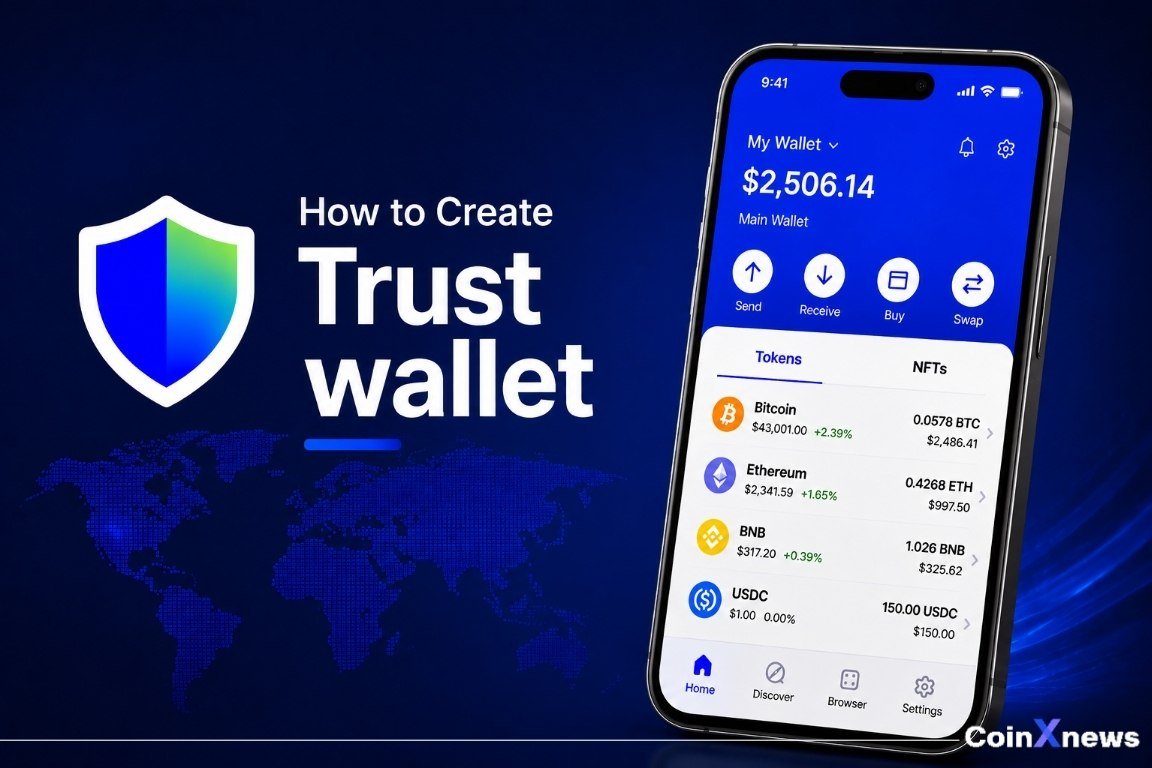
After setup, you can access your wallet dashboard. The dashboard allows you to:
✅Send and receive cryptocurrencies
✅View your balances and transaction history
✅Connect to decentralized apps (DApps)
✅Swap tokens directly in-app
Step 8: Add Cryptocurrencies
1. Tap + or Add Tokens to see a list of supported cryptocurrencies.
2. Toggle the ones you want to appear in your wallet dashboard.
3. You are now ready to send, receive, and manage your assets safely.
Step 10: Stay Safe and Avoid Scams
Periodically verify that your recovery phrase is stored securely.
Do not take screenshots or store it digitally online. Physical storage is safest.
- Never share your private keys or recovery phrase.
- Only download the official Trust Wallet app.
- Be cautious with suspicious links or investment offers claiming to access your wallet.
Conclusion
Creating a Trust Wallet account is simple, but security is paramount. By carefully following these steps, you can ensure your crypto assets are stored safely and conveniently. With Trust Wallet, you have full control over your funds while enjoying access to the growing decentralized finance ecosystem.